
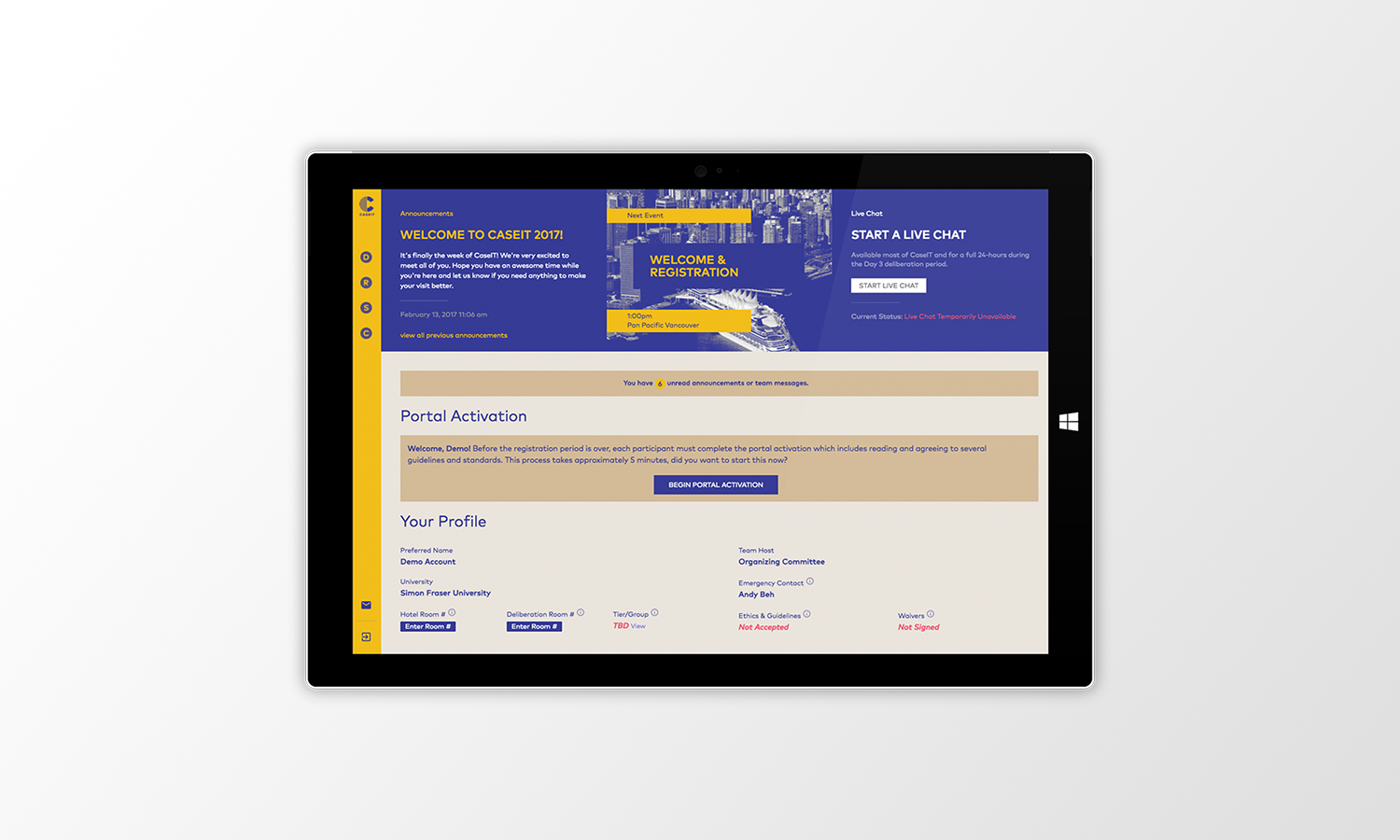
the new CaseIT Portal as shown on a Surface Pro 3 Mockup
From concept to completion, the new CaseIT portal is designed to be a hub that centralizes all things CaseIT during the week of the competition. Initial concept derived from the creation of the CaseIT Digital Experience.
For
CaseIT (Client)
Type
UX/Strategy, Digital Product
Date
2017
Role
Strategy, UX, Wireframe, Develop
Team
Bruce Beh, Azat Bay, Anya Valueva, Edwy Woo, Solomon Hsu
Software/Tools Used
Illustrator, HTML/CSS, Axure, PHP/MySQL
Initially developed in 2016, the CaseIT Portal was designed primarily for competition participants acting as the hub/one source for information in regards to all things CaseIT during the week of the competition.
To get a better understanding of CaseIT and why the portal was developed, please read the CaseIT Digital Experience.
The existing CaseIT Portal merely served as a tool that allowed for participants to initiate a "live chat" request with the organizing committee. As a result, it was mostly only used during a very specific part of the competition week (day 3 deliberation period) rather than act as a hub for all things CaseIT.
In order to make the new CaseIT Portal a hub that was previously envisioned, we had to look at opportunities where we could intervene. To do this, we started by examiming the journey of a competition participant who interacted with the old portal based on the data, research and feedback we had from last year.
Looking at the process and touchpoints from registration on day 1 to the finals presentation on day 4, it allowed us to find opportunities for intervention and come up with "how might we" questions to better facilitate our long term goal of making the portal a hub for all things CaseIT during the competition week.
We ended up with the following most popular How Might We (HMW) questions that we asked ourselves:
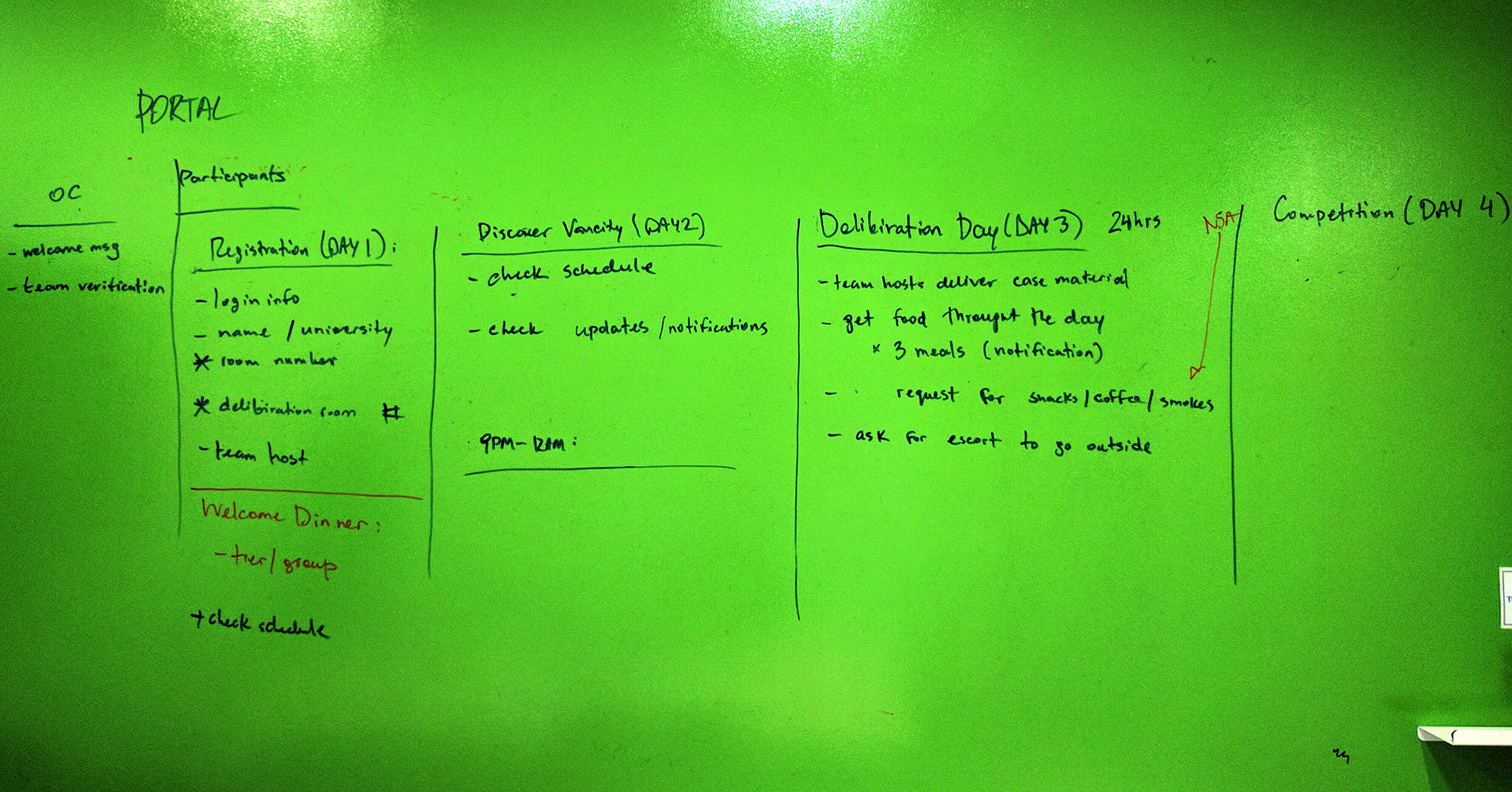
Existing Portal Customer Journey (Click for Full Screen)
Usage of the portal spikes during the day 3 deliberation period as competition participants are locked in a hotel room for 24-hours and during this time, all outside communication is prohibited. Therefore, the only method of communication available to competition participants is the "live chat" implemented into the portal.
The purpose of the live chat during this time is to answer questions, fulfill requests such as bringing the team food/drinks and accompanying competition participants when they wish to leave the deliberation room.
Knowing that the live chat and portal was being used on Day 3 wasn't enough. We needed to make this the hub for all things CaseIT during the week of the competition. As a result, we decided that aside from a visual overhaul to match our updated branding, it was necessary for us to answer our "How Might We's" in order to provide an improved user experience and allow the portal to fulfill its long term goal. Therefore we decided on the following implementations:
In previous years, the registration process was all done manually. It required participants to sign several forms by paper and also provide our registration volunteers with their hotel and deliberation room numbers. This was a clumsy process as multiple forms were provided on a clipboard while our volunteers tried to write down the hotel room information that was being given by our already frustrated and tired participants.
Thus we simplified this process by integrating it directly into the portal, reducing the amount of cognitive overhead and frustrations of dealing with paper forms. It also enabled early exposure to the portal giving participants a feel of what to expect.
Upon arriving at the registration booth. Participants are provided with an instructional sheet which indicates their login information and the portal activation process. The portal activation captures all the information that was previously required in paper form, digitally.
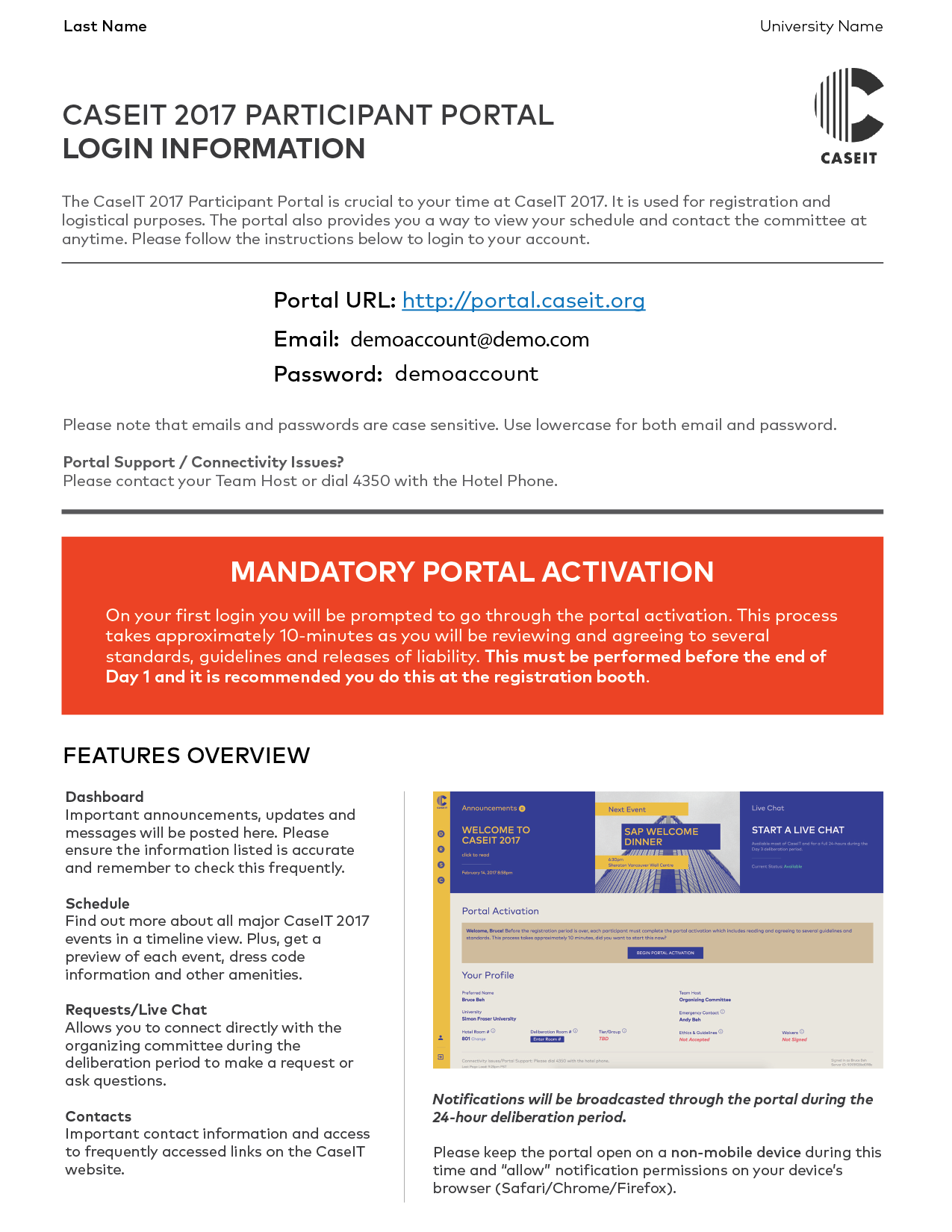
Portal Login Information and Features Overview Sheet
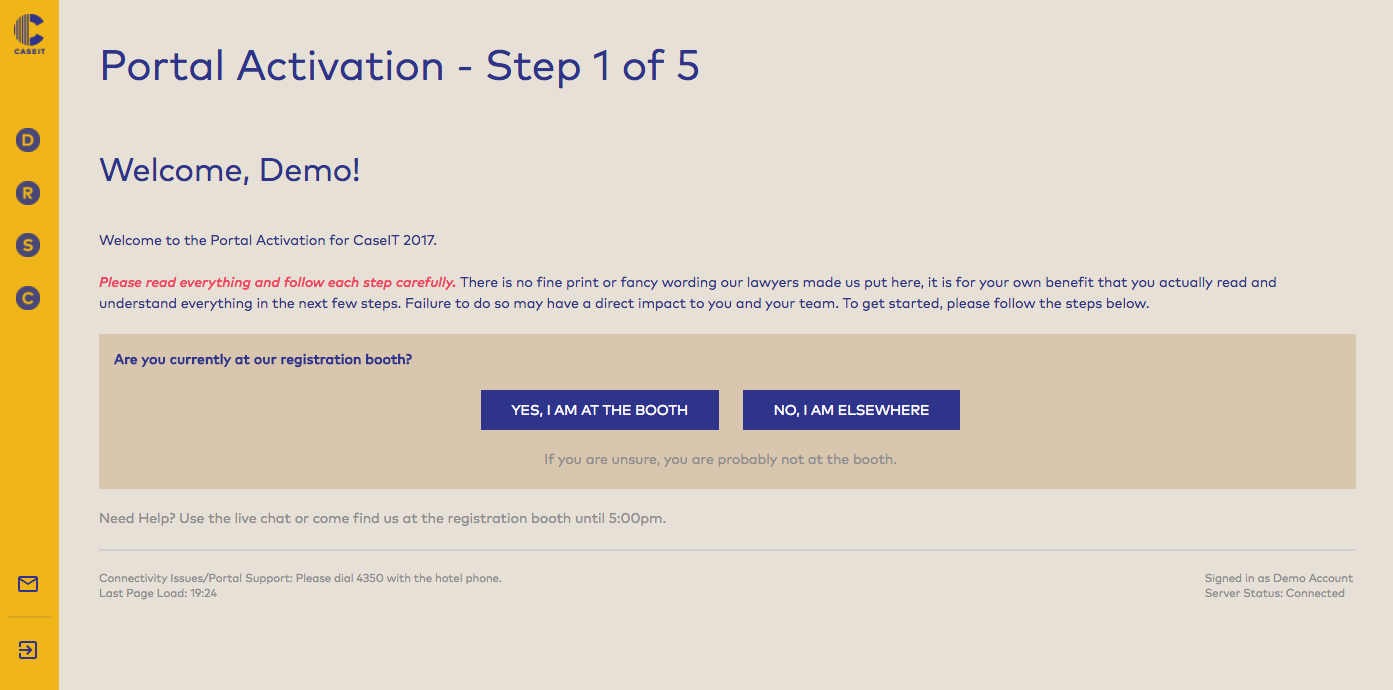
Step 1 of the Portal Activation/Registration Process
To facilitate the process, we also setup an on-site activation booth to allow for participants to go through the activation process immediately should they choose to do so.
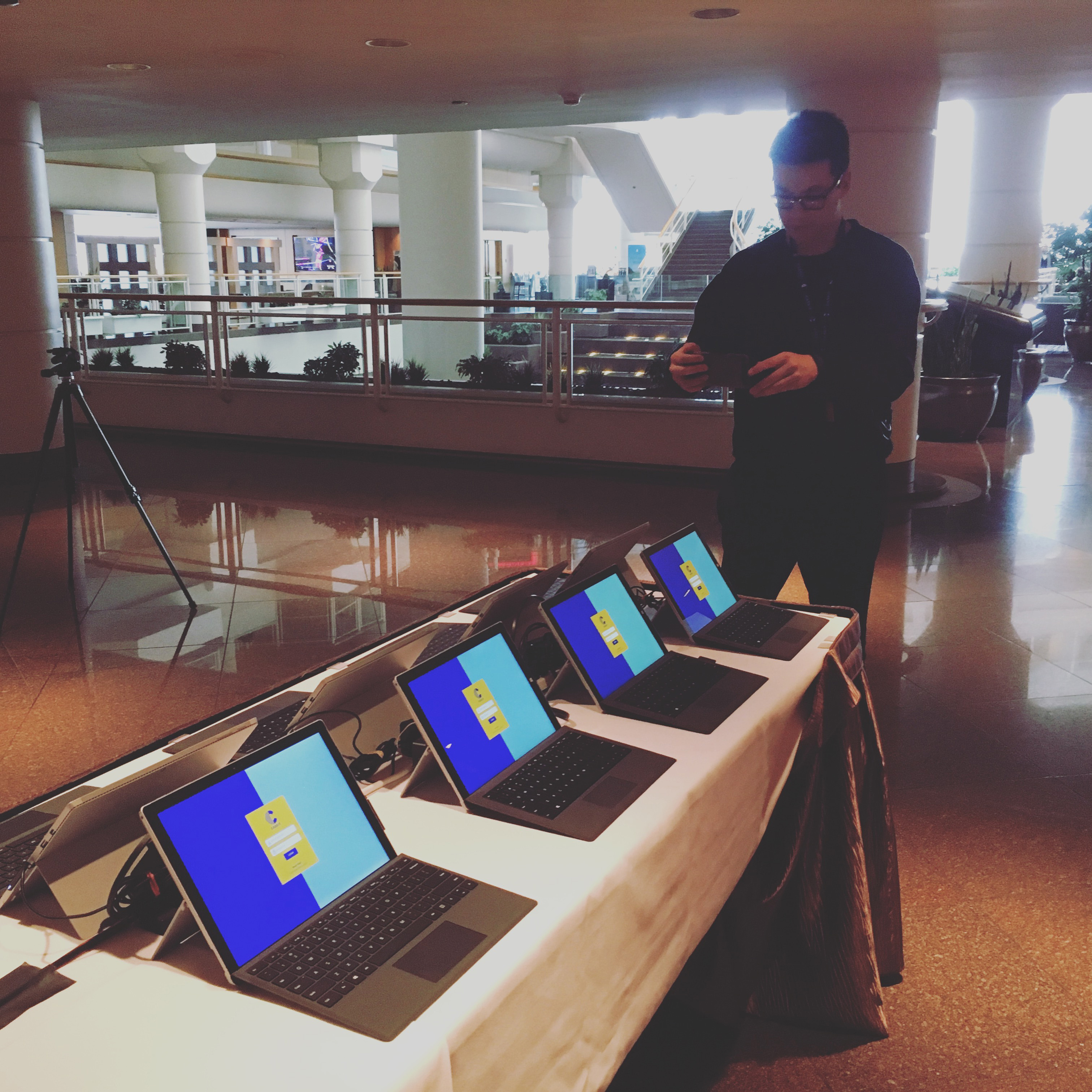
On-site Portal Activation
As a result of moving this process to the portal. It allowed for participants to digitally provide us this information and accept/agree to the various forms that were previously required to be signed in paper format. Participants also had the choice of using our on-site activation booth or proceed to their hotel room immediately and completing the activation process at their own leisure.
It also allowed us to capture the hotel room information once the participant had finalized this information with the check-in counter of the hotel thus minimizing mistakes and allowing for changes should any room modifications occur (which often did).
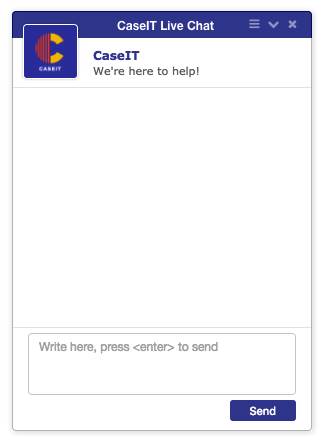
Based on data from last year we had already known the live chat was one of the most popular features of the portal. However we decided to expand the availability of the live chat by integrating it in more prominent locations and providing real-time updates on its availability.
As a result, we increased the visibility of the live chat offering by including it as a tile on the dashboard, at the bottom right corner of every page, and a seperate requests page that gives more detailed information on what the chat can be used for.
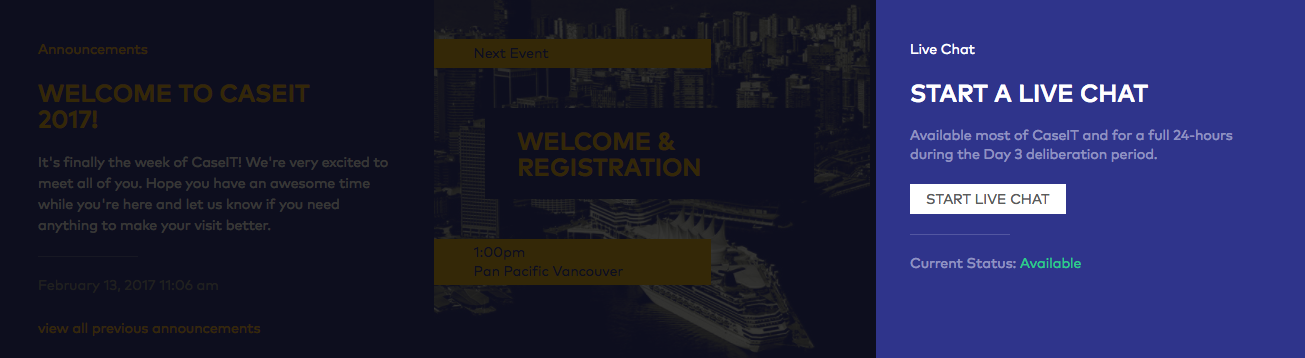
Live Chat Tile on Dashboard
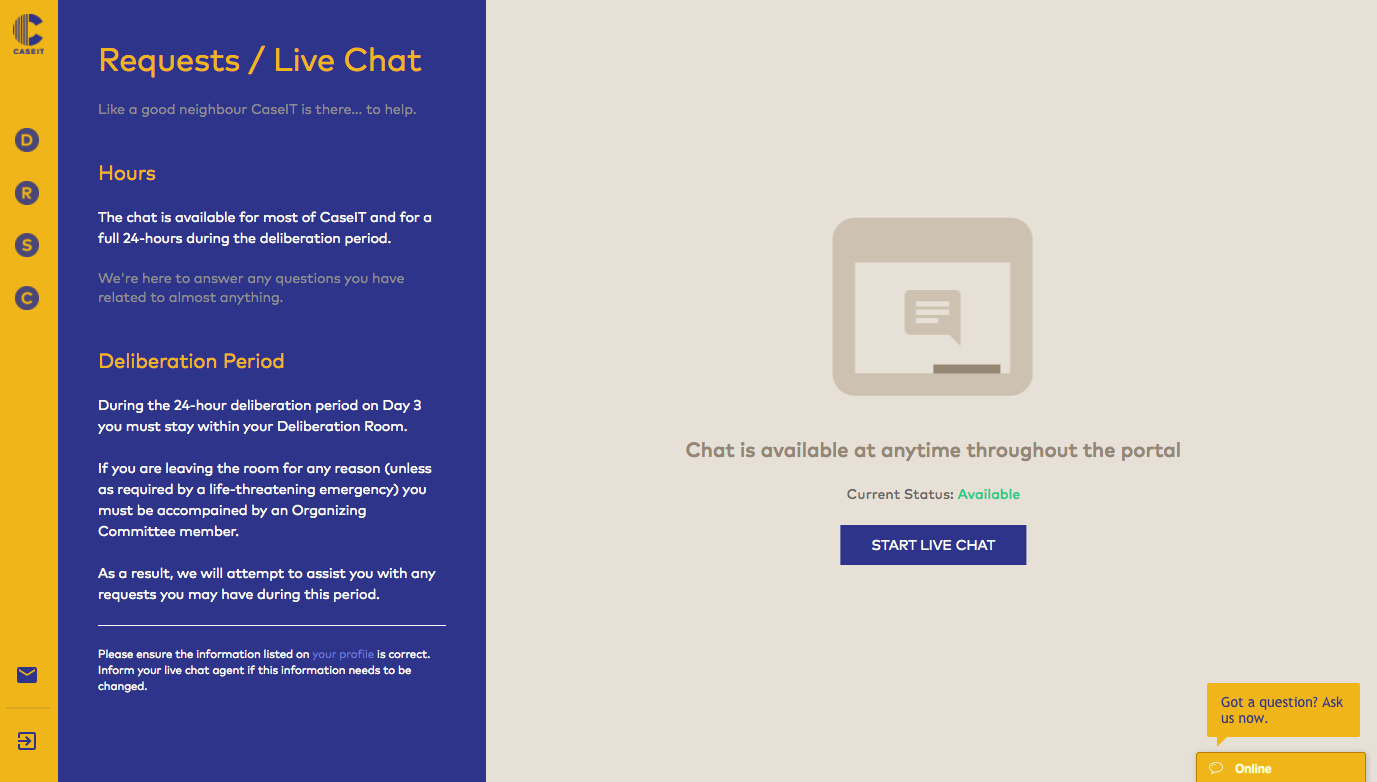
Requests / Live Chat Dedicated Page & Live Chat Widget
The live chat status automatically updates based on availability and the live chat widget appears automatically on every page if someone from the organizing committee is online.
Due to the nature of the competition, sometimes things changed last minute. Integrating push notifications with a dedicated announcements and messages page allowed us to efficiently and reliably broadcast a message to over 100 combined participants, coaches and volunteers.

Announcements Tile on Dashboard
To ensure all previous announcements have been read the dashboard also indicates the number of unread announcements the user has.

Number of Unread Notifications
We also implemented a multi-channel push notification system. If the user's browser is focused on the portal, it will deliver an internal site-wide notification. Otherwise, the browser's in-built notification system is used. This ensures that announcements are received (and read) in real-time.
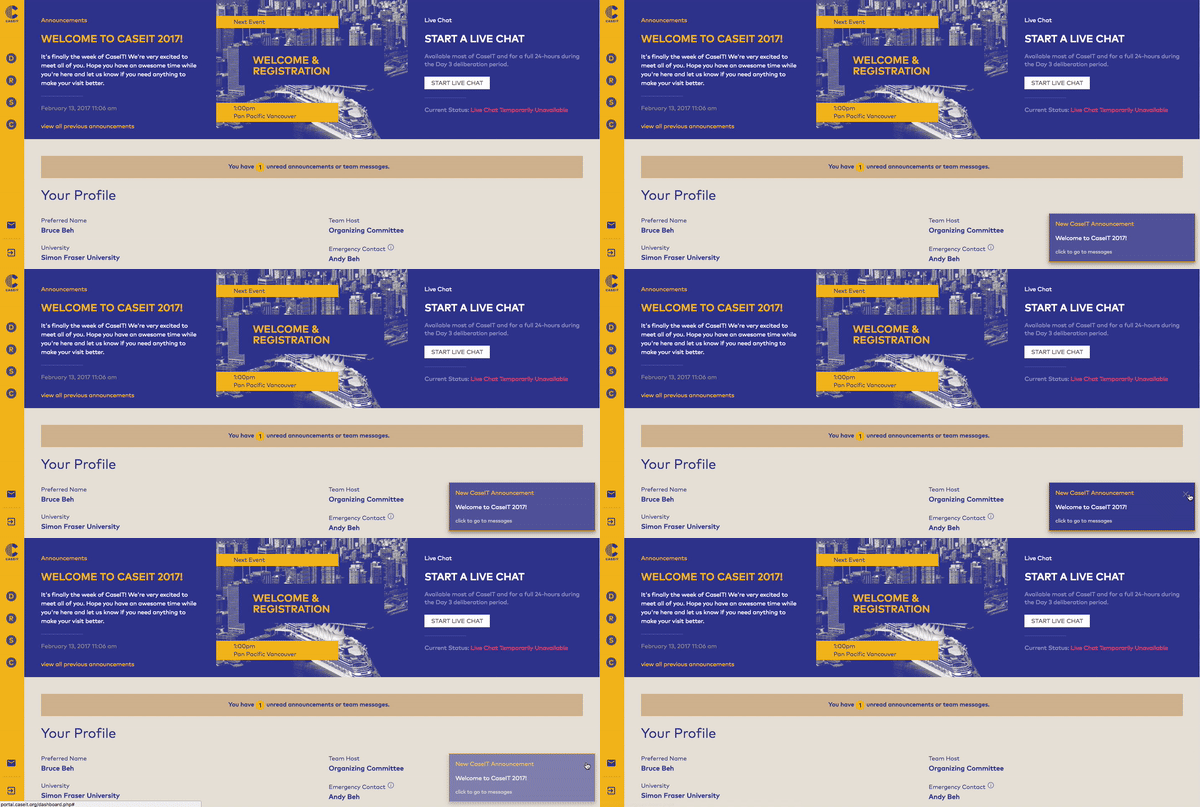
Internal Site-wide Notification
An archive of all announcements and messages the user has is also available for their reading pleasure.
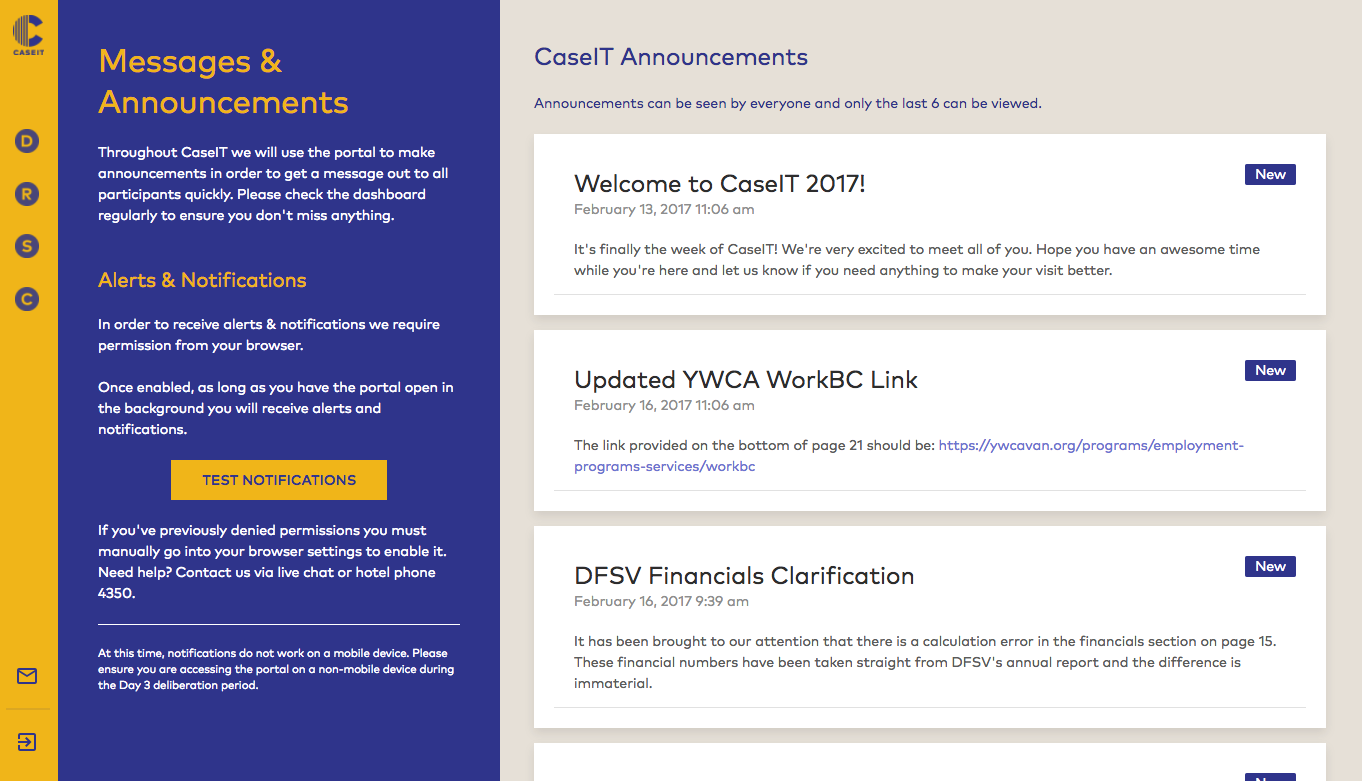
Page of all announcements and messages
In the previous version of the portal, the schedule view did not provide any new information. It was a time-table rather than a schedule and provided no added benefit to the participant as they were often escorted by volunteers to the various events. As a result, we wanted to include information that would be beneficial to the participant by giving them not only a schedule but also providing more information about each event.
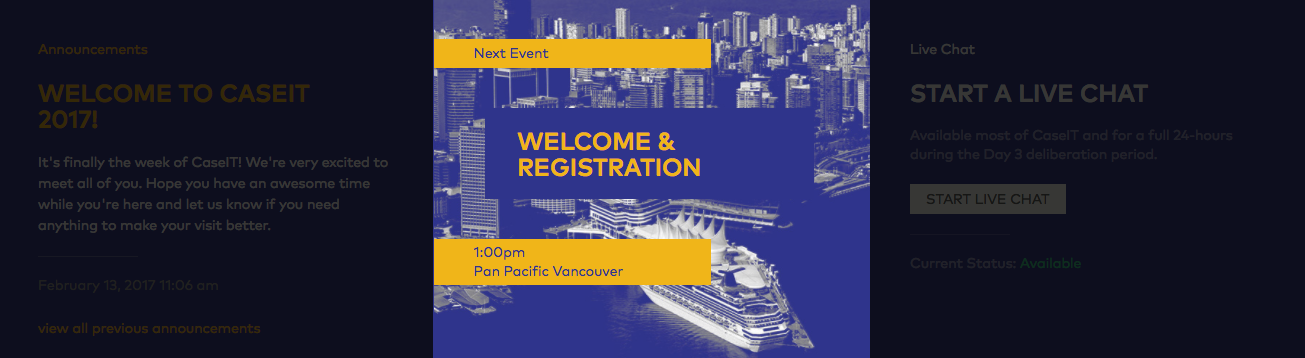
Schedule Tile on Dashboard to remind participants on what's happening next
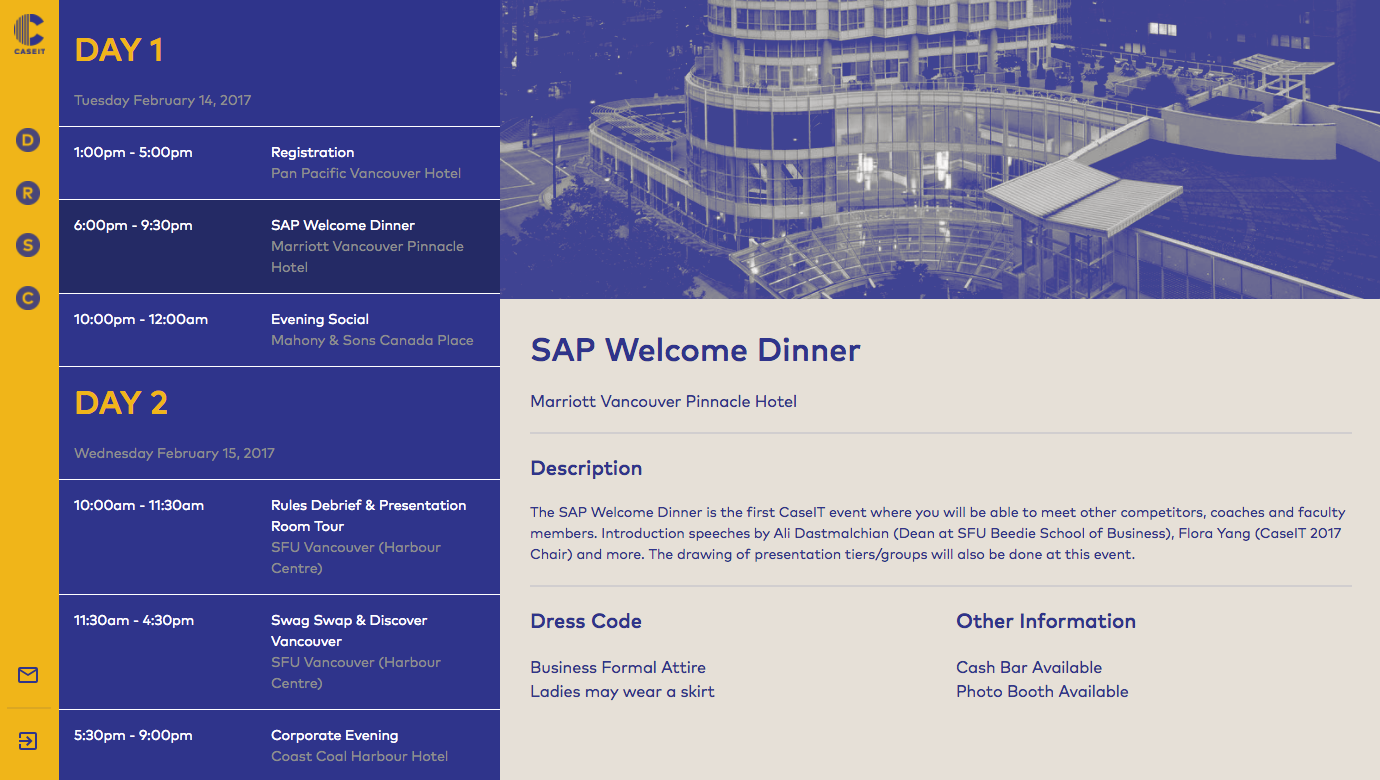
Detailed Schedule View with Event Description
The detailed schedule view and event description provides additional value to the participant allowing them to get a good sense of what the event is about and how to prepare for it.
The new features as mentioned previously is largely due to the exploration of asking ourselves questions on how we might do something differently or better. These questions and insights came from the process of running through a design Sprint.
We modified the google venture design sprint to be a 3 day process instead of 5. But largely we kept the same components with a few tweaks here and there:
Ultimately we ended up with the following "materials" to work with:
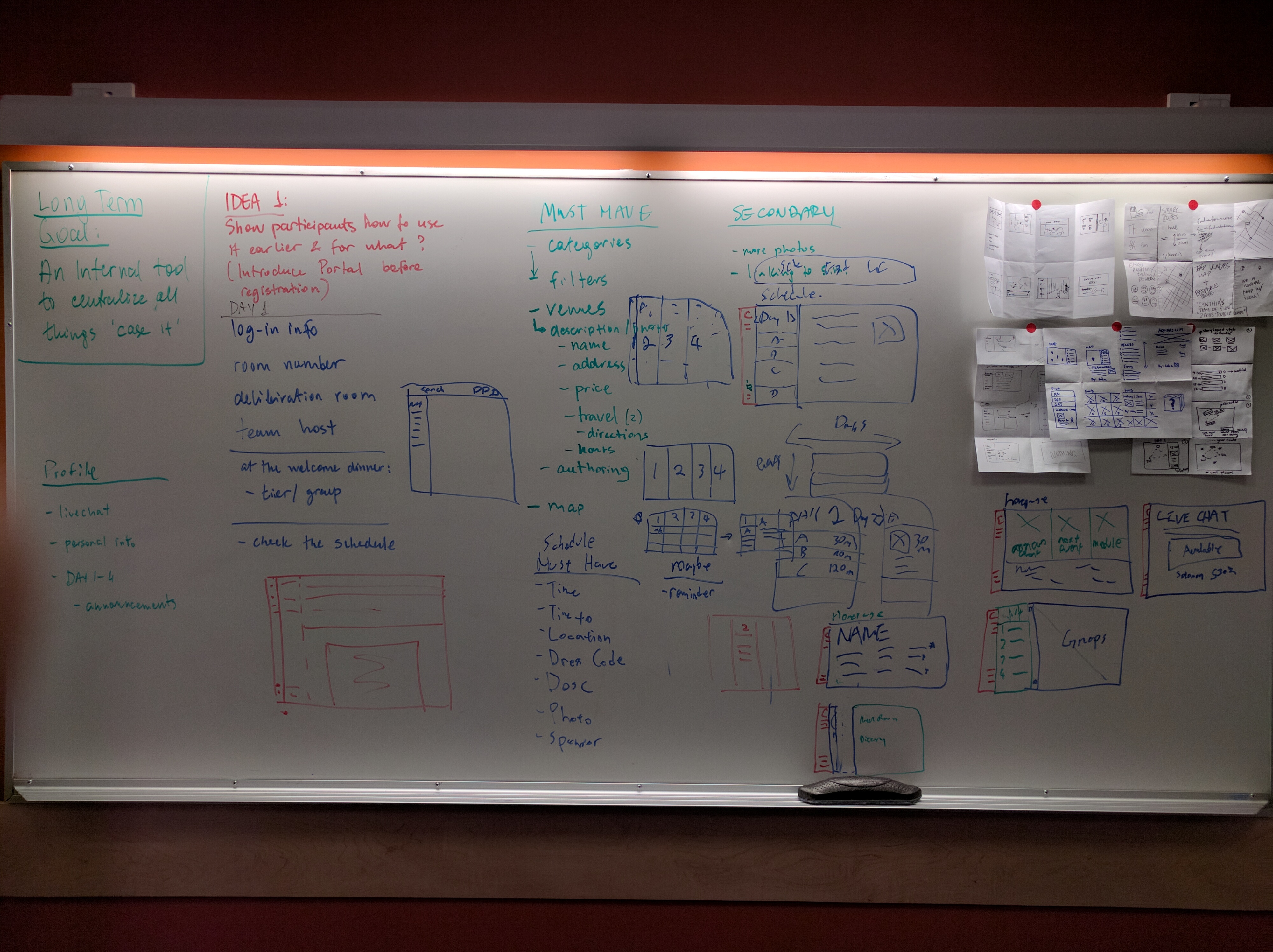
Quick, Rapid Ideas and Sketches (Crazy 8's), Preliminary Wireframes and Layouts
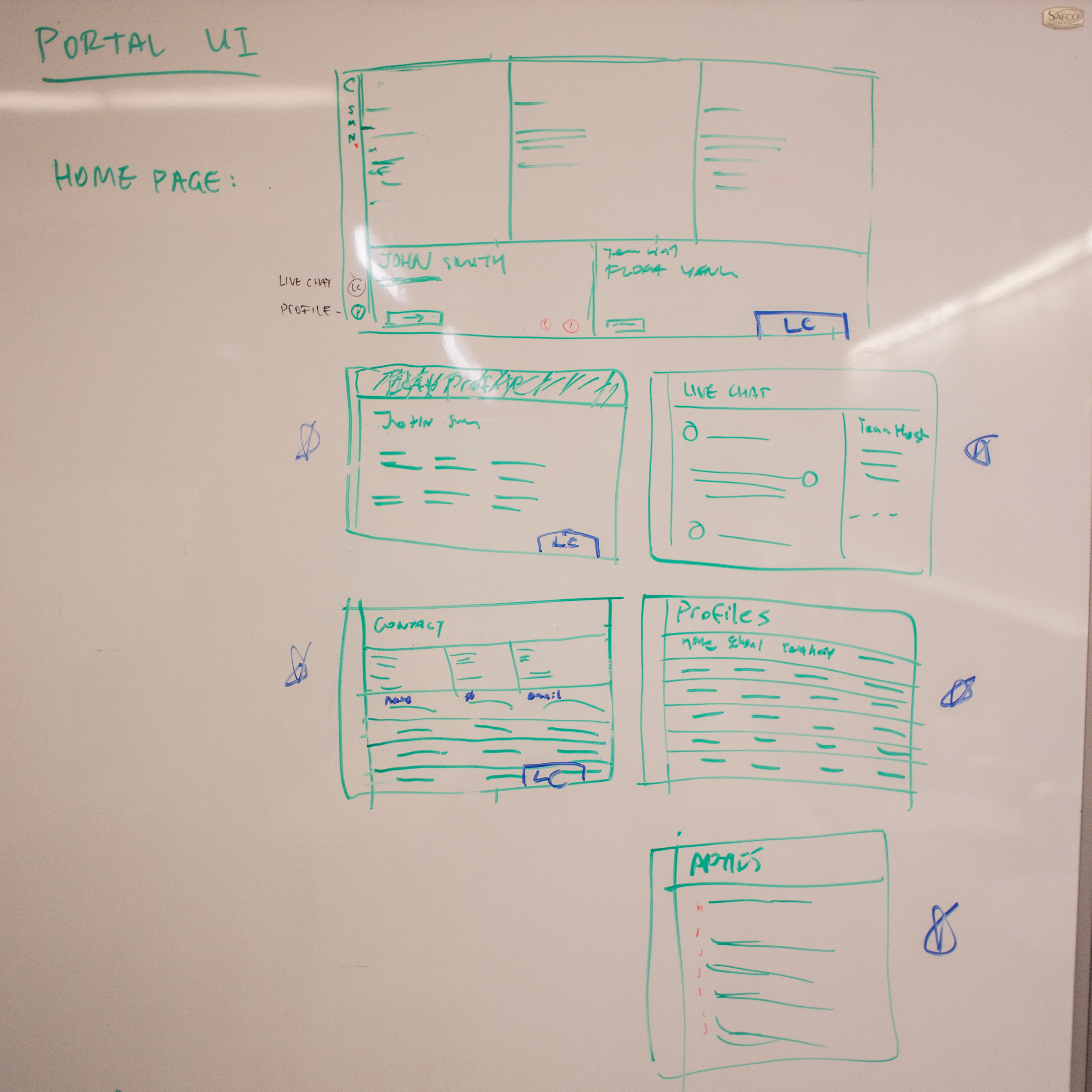
Userflow and more "refined" wireframe sketches
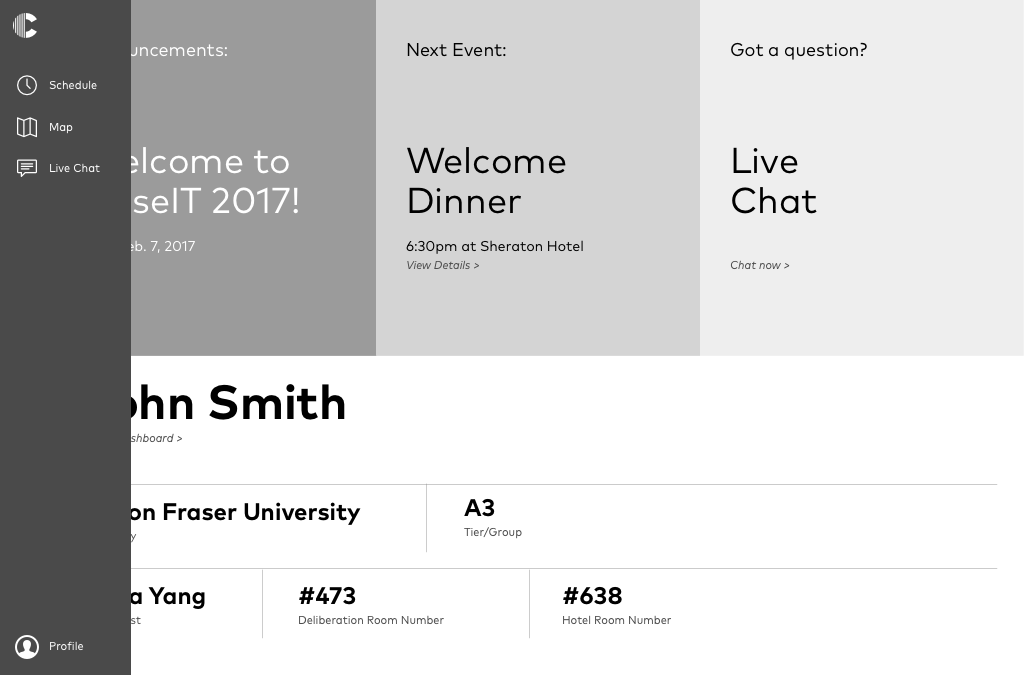
Dashboard and Navigation Mockup
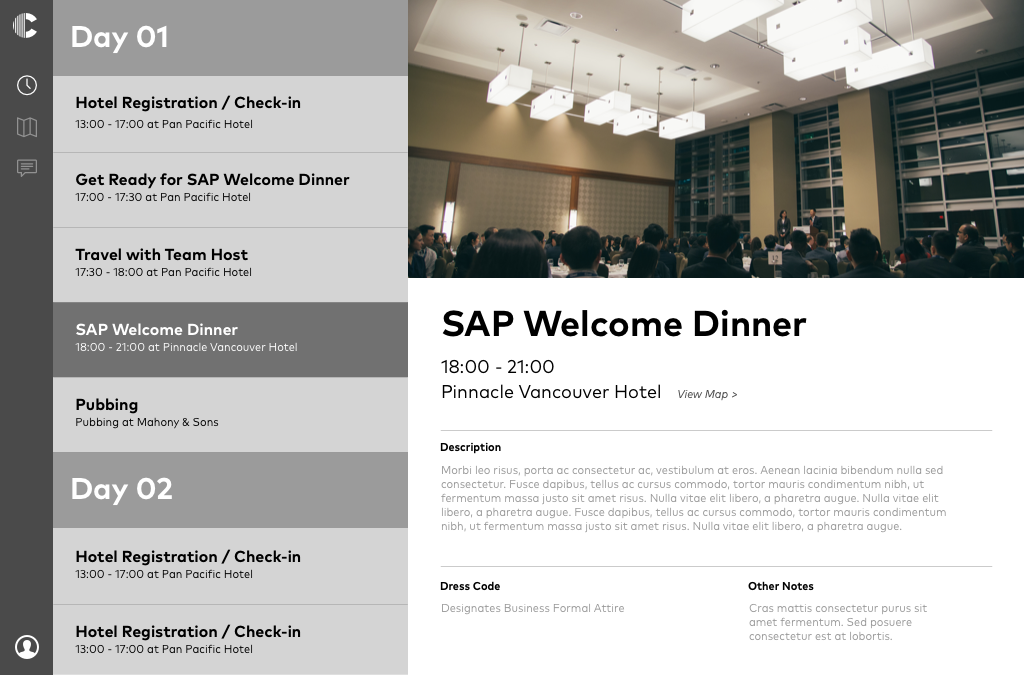
Schedule Page Mockup